Your Profile: your season at a glance
GC points, your season balance, every stat you’ve earned and every round charted.
Your season, at a glance
The top of your profile shows your GC points and your season balance.
Every number you’ve earned
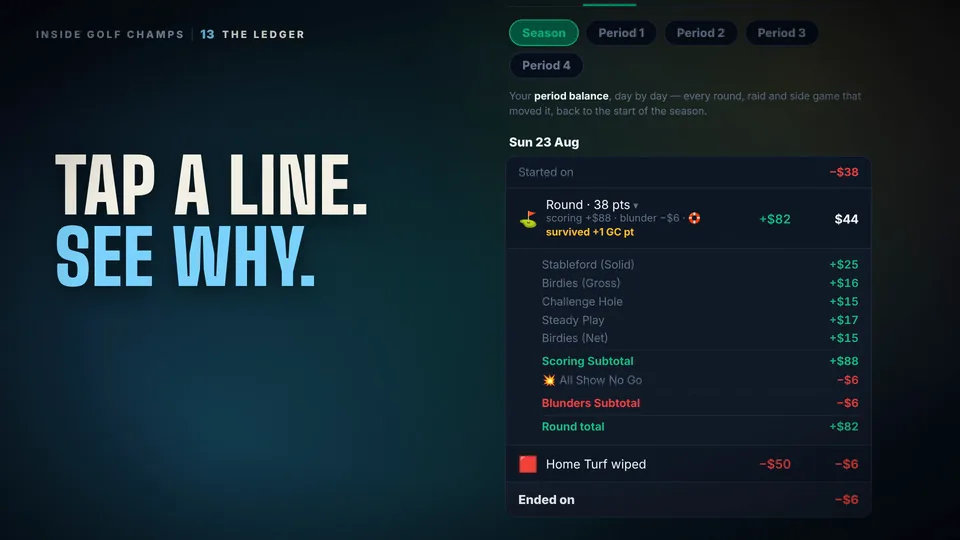
Stat tiles cover the whole season: rounds, beats, survives and triggers, birdies and eagles, the raids you’ve done and the raids that hit you, blunders, side games, your average points and your awards.
Every round, drawn
Charts track your season balance and your GC points round by round, so you can see exactly when the season turned.
Playing to your handicap?
The Played to Handicap chart compares your recent rounds with your current handicap, so you can see whether you’re improving.
Your home course
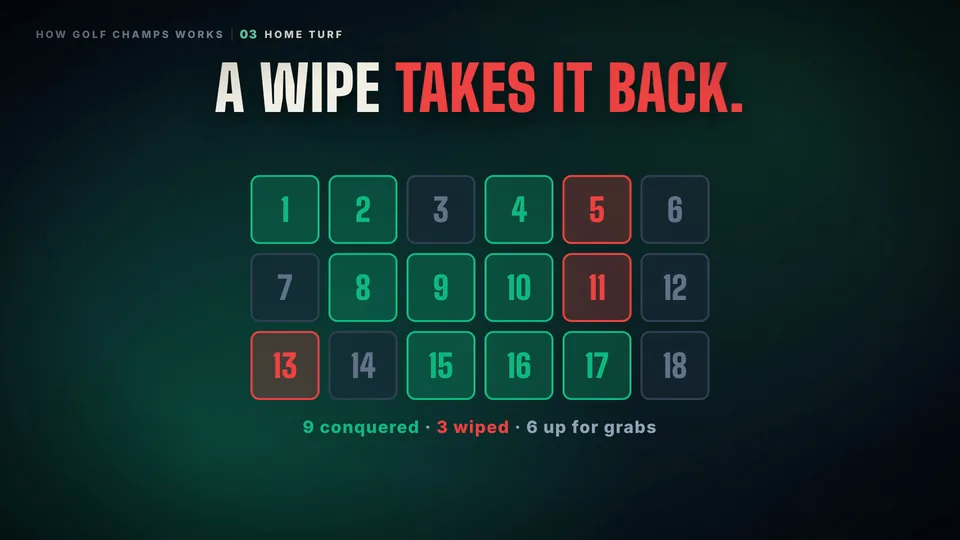
Your profile is where you set your home course for Home Turf.
After every round
It all updates the moment a card lands, so your profile is always current.
Good to know
What’s the difference between my balance and my GC points?
Your period balance moves every round and resets at the end of each period; your season balance runs all season. GC points build all season too, and they decide the Season Champion.
Where do I set my home course?
In your profile.
How far back does it go?
The whole season.
Every number and every edge case is on the rules page.