Group Chat
One chat for your whole group, inside the app.
Getting there
Tap the chat bubble at the top of the app, or open More → Group Chat. A red number on the bubble counts messages you haven’t read. Your own messages never count, and each device keeps its own count.
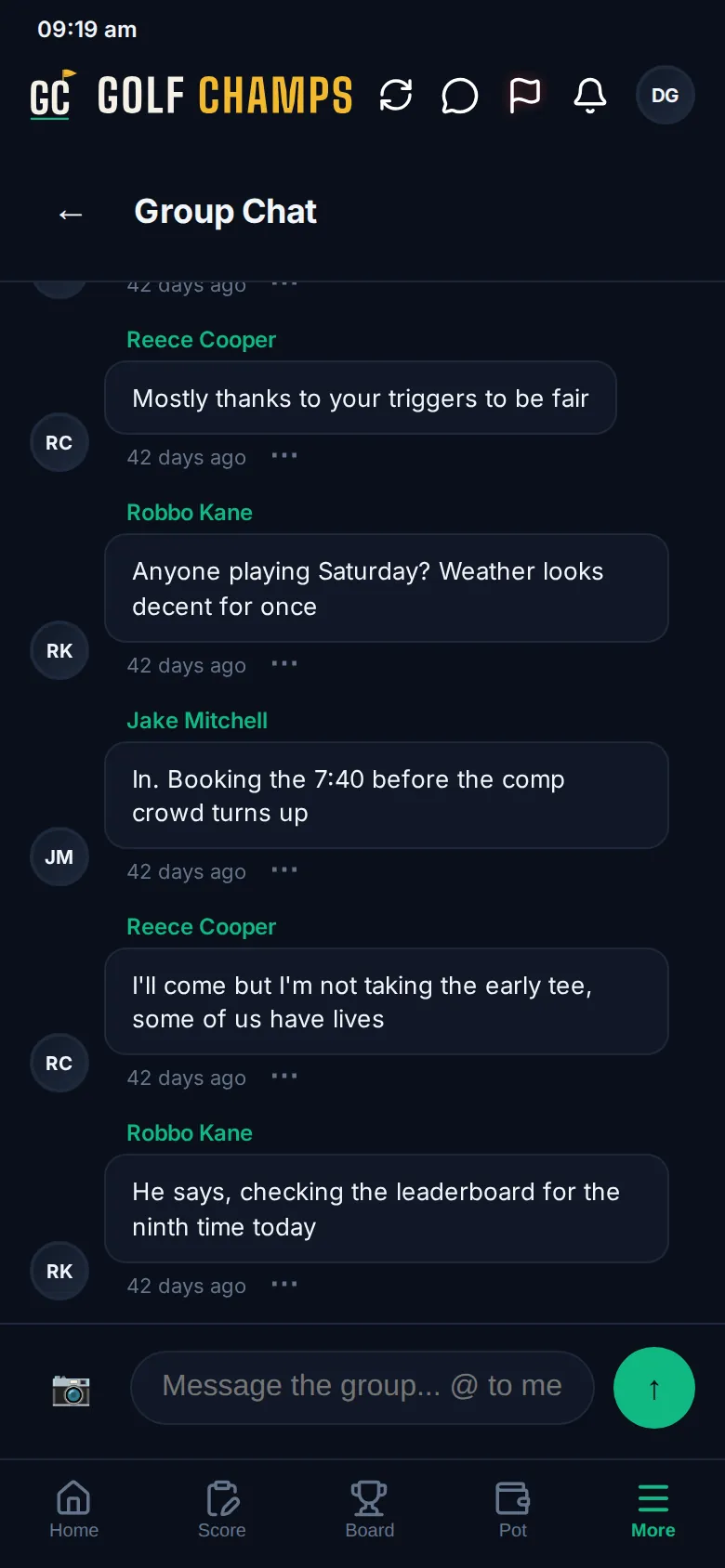
Sending a message
- Type in the box at the bottom and tap the arrow.
- To add a photo, tap the camera first. A photo can go on its own with no text, and GIFs stay animated.
- To mention a mate, type @ and the start of their name, then pick them from the list. Their name stands out in the message, and they get an email unless they’ve switched those off.
Web links you paste become tappable.
Reacting and replying
Tap the ⋯ under any message:
- 😊 React adds an emoji. Tap a reaction under the message to add or take back yours.
- 💬 Reply starts a thread under that message. Tap the replies count to open or close it.
- 🗑 Delete message removes one of yours for everyone. It then reads Message deleted.
Pinned messages
Admins can pin anything important with 📌 Pin message. Pinned messages sit in a PINNED banner at the top of the chat; tap one to jump to it in the thread. Pinning also posts to Recent Activity and emails the group.
Admins unpin with Unpin on the banner or 📌 Unpin message, and can take down anyone’s message with 🗑 Remove message. It then says it was removed by an admin.
Good to know
Does every message email me?
No. You’re emailed when someone @mentions you or an admin pins a message. Change either in Profile → Settings → Notifications.
Can I edit a message?
No. Delete it and send it again.
Who can see the chat?
Everyone in your group, plus anyone your group has given a watch link, who can read along but can’t post. Anyone removed from the group loses access to it.
Can I delete someone else’s message?
Only admins can, with 🗑 Remove message.