A player's page (Player History)
Every player has a page with their whole season on it, and anyone in the group can open it.
Open a player’s page
- Tap a name on the Board, or under Top Players on Home.
- Or open More, then Members, tap a player and tap View Full History.
Tap your own name to see yours.
The top of the page
Next to the name, the page shows the Season Balance and GC points. The Season Balance counts every round, raid, blunder and side game this season, and it never resets.
The tiles: Rounds, Beats, Triggers, Survives, Birdies (Gross), Eagles, Raided (what raids have taken off this player), Raids Done (what their raids have taken off everyone else), Blunders, Side Games, Avg Pts, HC (their current handicap) and Awards.
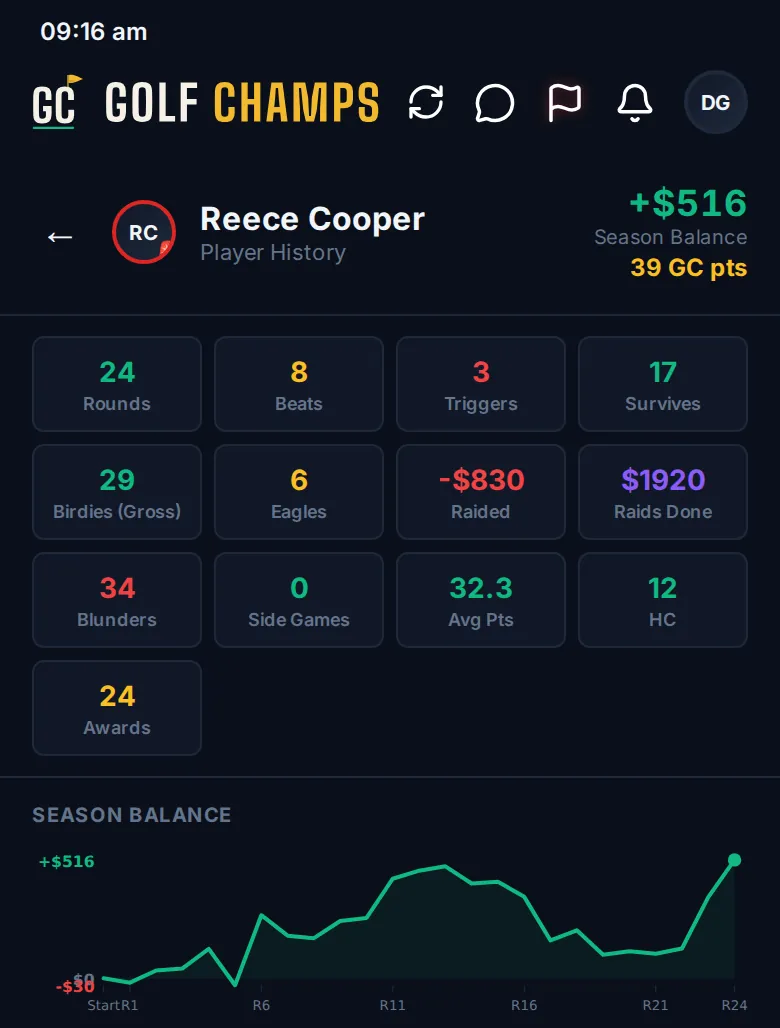
Then the charts: Season Balance, Threshold Journey (the period balance between your group’s two lines, round by round), GC Points and PLAYED TO HANDICAP. That last one shows what each of the last 20 rounds was worth as a handicap: 36 points is playing to your handicap, and every point more is a shot better. It marks the best, the latest and whether they’re improving.
The tabs
- Balance: the ledger. The period balance day by day, with every round, raid and side game that moved it. Tap a round to see every line, and switch between Season and a single period. See The Ledger.
- Rounds: every round with its points and what it did to the balance. Tap one to open it in Round Detail.
- Side Games, Raids (damage taken and dealt, by type) and Blunders.
- Awards: beats, triggers, streaks, eagles, Double Rounds and period wins.
- Home Turf: their Home Turf card.
- Insights: patterns from their hole-by-hole scoring, head to head against each player, averages and a Double Round report.
More in the film Your Profile.
Good to know
Can everyone see my page?
Yes. Anyone in the group can open any player’s page. A mate on a watch link can see it too, with the money hidden unless your group allows it.
What's the difference between Season Balance and my period balance?
Season Balance runs all season and never resets. Your period balance, the one your group’s lines apply to, starts again each period. The Balance tab shows it day by day.
Why do some Played to Handicap dots move?
Hollow dots are social rounds, worked out from the player’s current handicap, so they shift when the handicap changes. Solid dots are comp rounds, played off a Daily Handicap, and they stay put.
Where do I change my handicap or home course?
In your Profile.
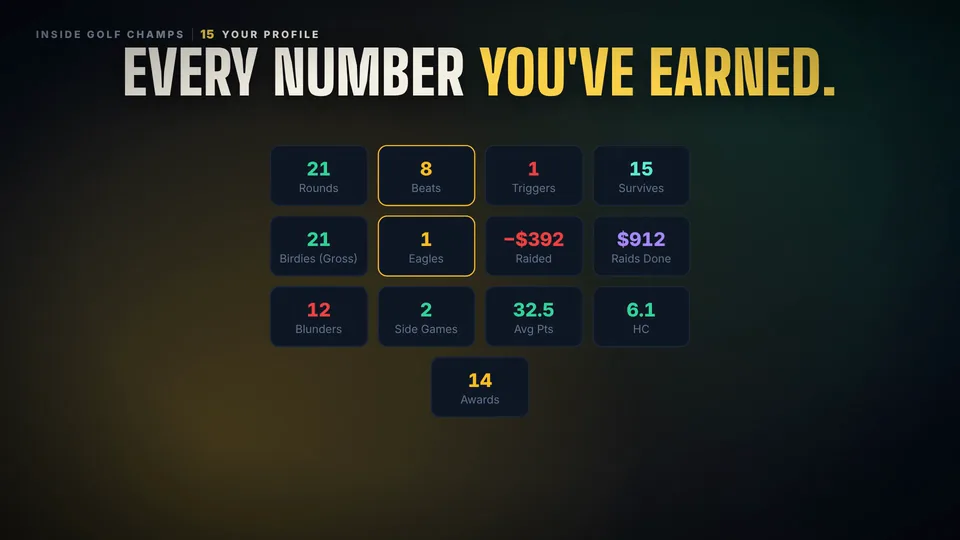 Watch the 25-second filmYour ProfileGC points, your season balance, every stat you’ve earned and every round charted.