Rules, How this works and help
When you’re not sure how something works, or think something’s broken, these are the four places to go.
The Rules
More → Rules lists every rule your group plays, each with a plain explanation and often a worked example.
- Pick a category from the tabs along the top, such as Scoring, Blunders, Raids, Side Games or Majors, or stay on All.
- Tap a rule to open it, and tap it again to close it.
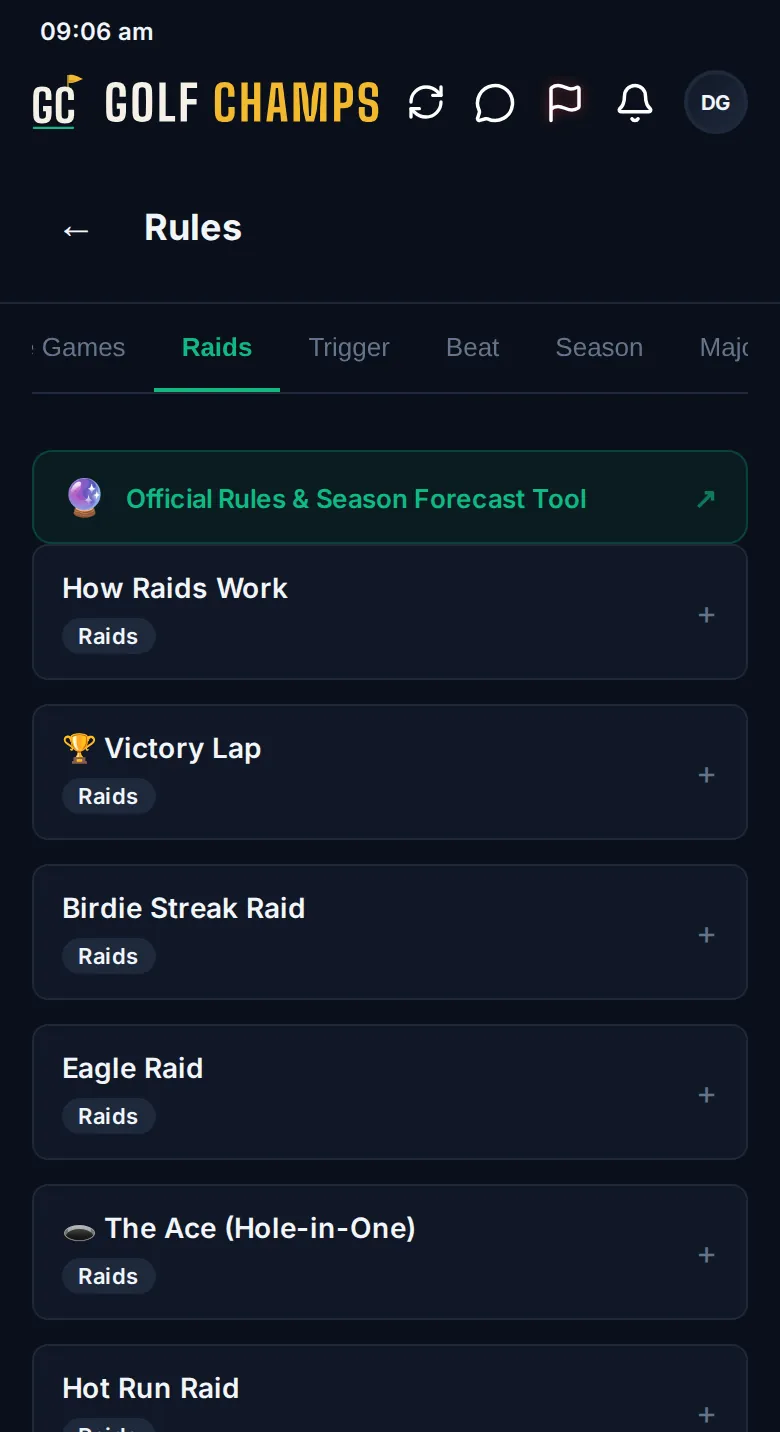
The list follows your group’s format: a Champ Day leaves out the season rules, and the Award Night rules only appear if your group runs one. Official Rules & Season Forecast Tool, at the top, opens the full rules page and the forecast tool on the Golf Champs website.
How this works
More → How this works replays the four-screen walkthrough from when you joined: how rounds are scored, how they move your balance, the line your group plays to, and raids. Move through it with Next and ← Back, and tap Close whenever you’re done. In a Champ Day group it plays the walkthrough for the day, and Check out Champ Seasons shows the season one without changing anything.
The help centre
More → Help centre opens this help centre in your browser, and the app stays where you left it. Profile → Help & Support opens it too, along with the video guides. Each article covers one screen: how to get there, what everything on it means and what happens next.
Report a problem
Something broken or confusing? Tell the Golf Champs team.
- Open More → Report a problem.
- Say what you did, what you saw and what you expected to see. The more detail the better.
- Tap Send report.
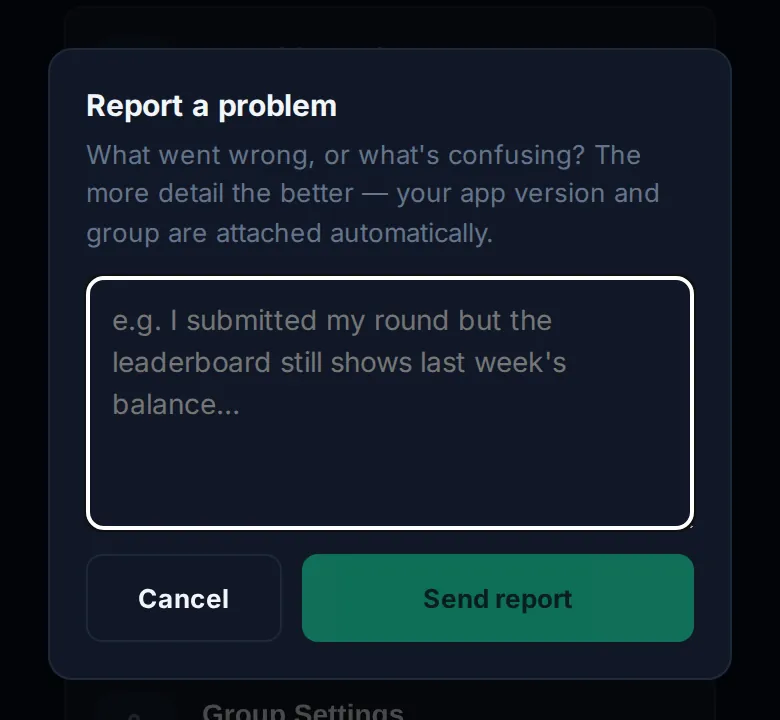
Your app version, your group and your device’s browser details go with it automatically, and it lands straight in the team’s inbox. It isn’t posted to your group. If they need more, they’ll reply to your email.
Good to know
What makes a useful report?
What you did, what you saw and what you expected. For example: I submitted my round but the Board still shows last week’s balance.
The website’s rules and the app don’t match.
Go by the app: it’s what scores your group’s rounds. Then send a report so the difference gets fixed.
Can I replay the walkthrough on a Champ Day?
Yes. You get the Champ Day version, and Check out Champ Seasons shows the season one.
Why can’t I see the Award Night rules?
They only appear when your group runs Award Night. Your organiser switches it on in Group Settings.