Group Settings
Group Settings is where the organiser decides how your group plays.
Getting there
Open More → Group Settings. Admins can change things; everyone else sees it marked View Only. Make your changes, then tap Save Settings at the bottom. Leave with unsaved changes and the app checks first. The group’s default emails, the Public Season Page, the Group Badge and Watch Links save as you tap them, and Award Night has its own button.
Competition Settings
- Threshold ($): your group’s line. Every scoring value scales from it, so a bigger line means bigger swings.
- Period Length: how often balances reset: Monthly, Bi-Monthly or Quarterly.
- Tell the group when settings change: when it’s on, everyone else is emailed about any change to what people owe or how the game scores, with the old value beside the new one.
- Mulligans per Season: how many each player gets. A mulligan wipes a round’s effect on the balance but keeps its golf stats. It’s chosen when you enter your own card with Quick Entry, and can’t be used on a live round, a Double Flag round or a Champ Day. Off switches mulligans off.
Trip Pot
- Trip Destination, plus the optional Finals Trip / Playoffs month and dates. They’re for display: the Pot screen shows the trip date, or the season’s end if there isn’t one.
- Pot Goal ($): the pot’s target, with progress on the Pot screen.
- Monthly Fee ($): what each player pays into the trip pot, due once each period.
Scoring and side games
- Scoring Modules: tick the parts of the scoring your group plays, such as Round Streaks, Birdies (Gross), Eagles, Chip-In, Challenge Hole and Blunders. Stableford is always on. New group? Blunders off is friendlier while everyone finds their feet.
- Same Group Side Games: switch on Head-to-Head, Skins, Snake and Nearest to the Pin. Players tag each other in before the round. See Side Games.
- Majors (admins only): + Schedule a major, a group event that counts double for everyone who turns up. See Majors.
- Award Night (admins only): off by default. Switch it on if your group wants a finale night, then tune or skip each award and tap Save Award Night settings. See Award Night.
Sharing and emails
- The group’s default emails: which kinds of email everyone gets, unless they change their own in Profile → Settings → Notifications.
- Public Season Page: a read-only page anyone with the link can open, with no login. Turn it on, choose whether it shows money and live rounds, and copy the link, or make a new one and the old link stops working. See Public season page.
- Group Badge: your group’s logo, shown on the loading screen.
Players and invites are in Members and invites.
Good to know
Why can’t I change anything?
Only admins can. Everyone else sees Group Settings as View Only.
Will the group know I changed something?
If Tell the group when settings change is on, and it is unless you turn it off, everyone else gets an email when you change what people owe or how the game scores, with the old value beside the new one. Other changes, like the pot goal or the trip destination, send nothing.
Can I make the season longer?
Yes. Under Season Management, pick a new end date in Season Duration, then tap the Save End Date button that appears.
How do I finish a season?
Season Management → End Season. The standings are frozen and kept under Past Seasons. Start New Season then carries everyone over, with balances back at zero.
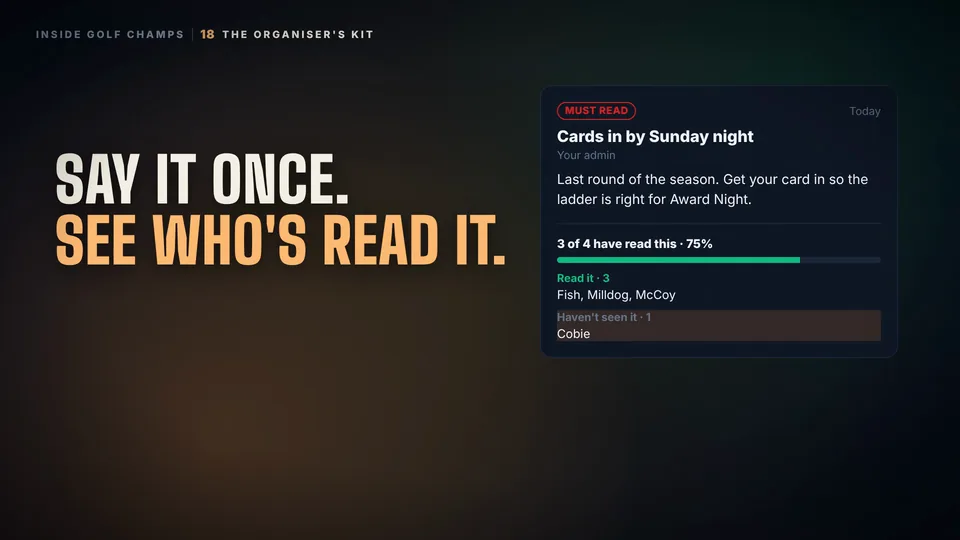 Watch the 25-second filmThe Organiser’s KitBook the round, find a date, see who’s read the notice, and set your group’s rules. The organiser’s whole job, in one place.