Joining a group
Open the invite your organiser sent, set up your account, and you’re in the group.
Open the invite
Your organiser sends you an invite link or an invite code.
- Tap the link. If you’re not signed in, the app tells you you’ve been invited to join a group.
- New to Golf Champs? Tap Sign Up, enter your email and a password (twice), then tap Create Account. Tap the link in the confirmation email, then come back and sign in. Already have an account? Just sign in.
- First time in? Answer three quick questions about you (below).
- The app shows the group’s name. Tap Join Group.
Got a code instead? After you sign in, tap Join a Group, type the code, tap Find Group, check it’s the right group, then tap Join Group. If you sign in and the app doesn’t take you to the group, do the same with your code, or tap the invite link again.
Tell the group who you are
The first time you sign in, the app asks three quick things:
- What do your mates call you? The name your group sees.
- What’s your handicap? Your Golf Australia (or equivalent) handicap. Plus markers type it the way it reads, like +2. You can change it later.
- Home course? Optional. To play Home Turf, also pick your home course in your profile, because that’s the one the game uses.
The walkthrough
The first time you land in a group, a four-screen walkthrough runs. It uses your own handicap and your group’s line, so the numbers are yours. Tap Next to move through it.
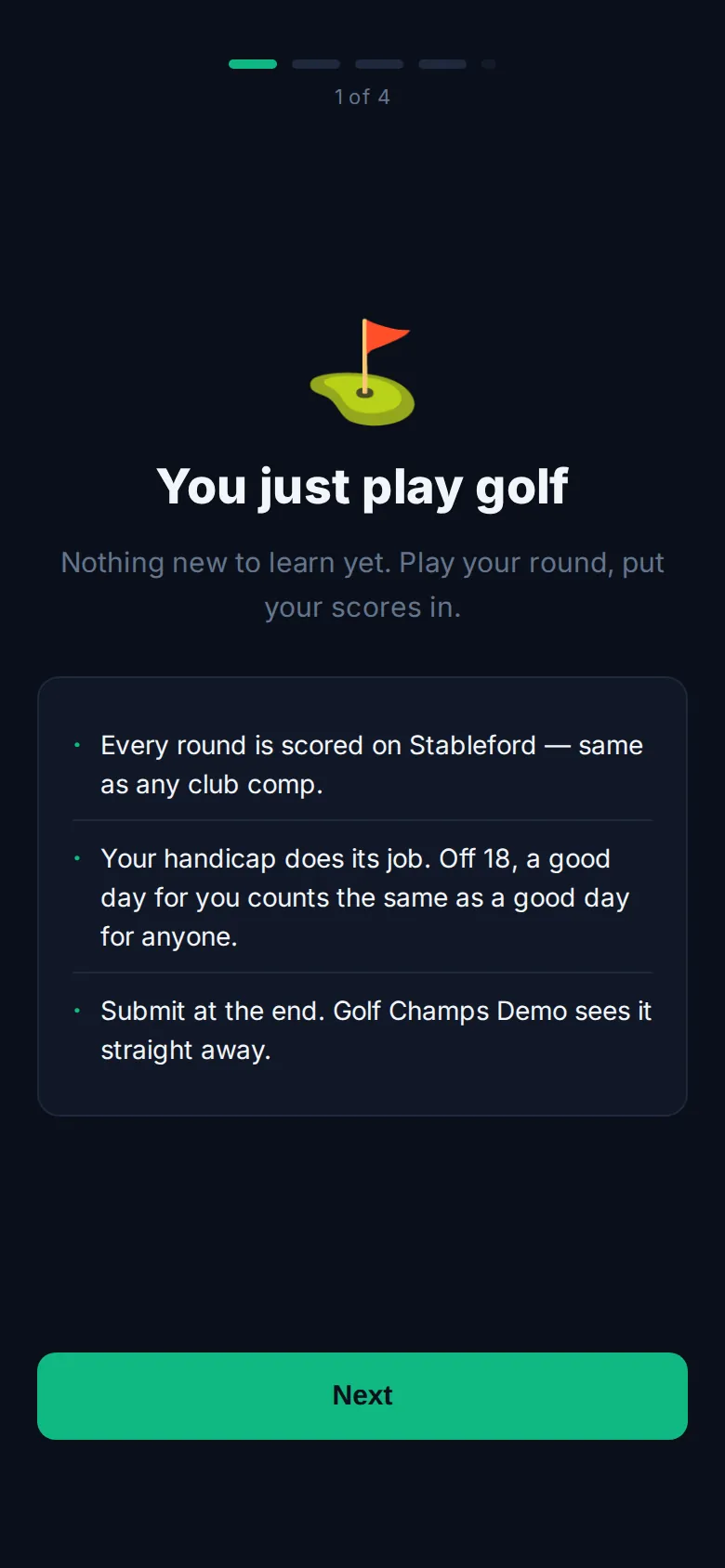
- You just play golf: every round is scored on Stableford, off your handicap.
- How a round moves your balance, with brackets set for your handicap.
- The line your group plays to: get far enough up and you beat it, far enough down and you trigger and owe the pot.
- Raids: when a mate pulls off something rare, everyone else in the group loses a slice of their balance. Play well and it’s your turn.
You can’t skip it the first time. On screen four, tap That’s enough — let me play, or Actually — what else is there? for one optional last screen.
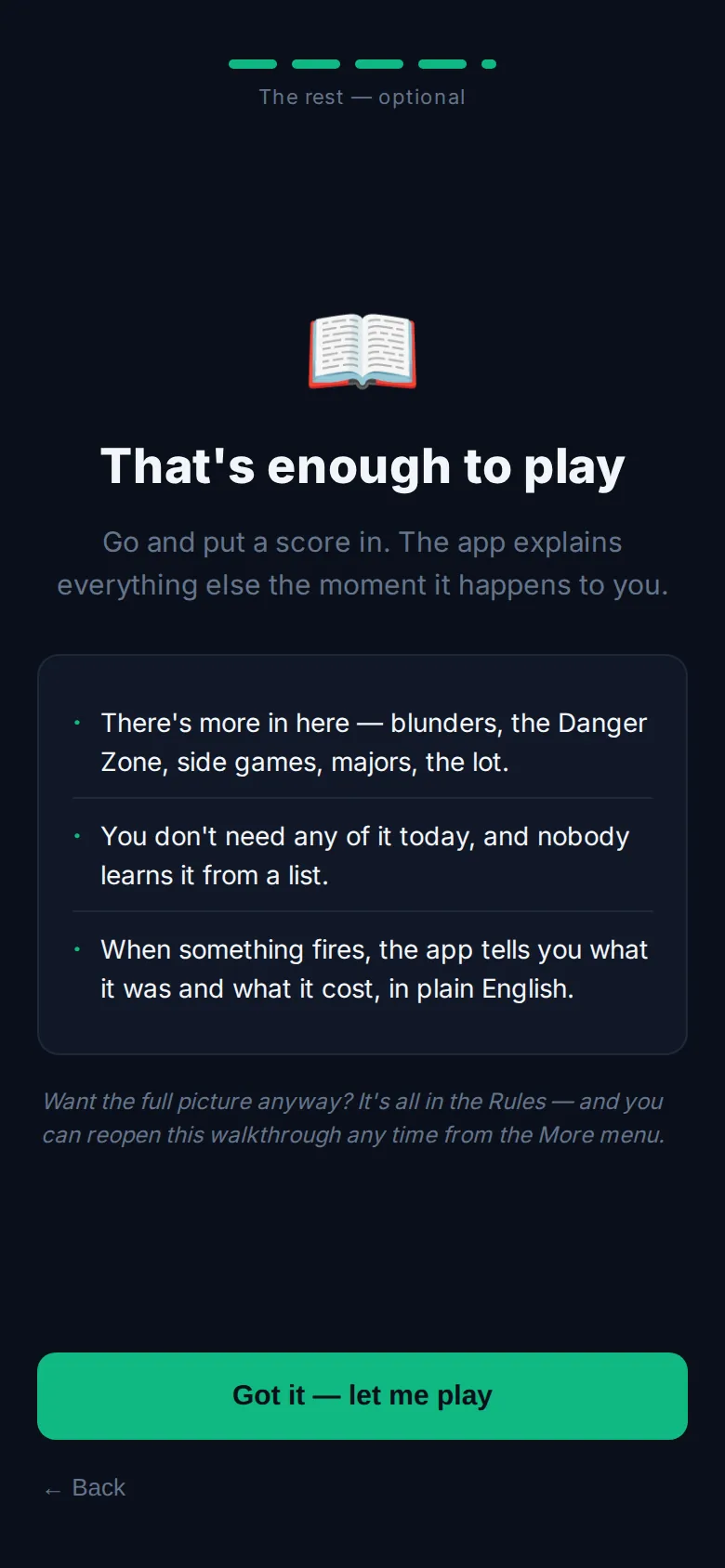
Want to see it again? Open More and tap How this works. You can close the replay whenever you like.
Good to know
I’m already in another group. Can I join this one too?
Yes, you can belong to as many groups as you like. Tap the invite link and the app opens the join screen with the code filled in. Or open More, tap your active group at the bottom and choose + Join or create another group.
It says Group not found.
Check the code with your organiser. Capitals don’t matter, but every other character does.
I joined a second group and didn’t get the walkthrough.
The walkthrough runs once per account, not for every group you join. Replay it any time from More → How this works. A Champ Day has its own walkthrough, shown the first time you land in a day.
I’ve forgotten my password.
On the sign-in screen, tap Forgot password?, enter your email and tap Send reset link. The link expires in an hour.
Is it different for a Champ Day?
Yes. A Champ Day group gets its own walkthrough about the day itself, and it appears once the organiser has started the day. See Champ Day.