Booking a round
Book the next round in advance and the whole group sees who's playing where, with a countdown to the first tee.
Book it
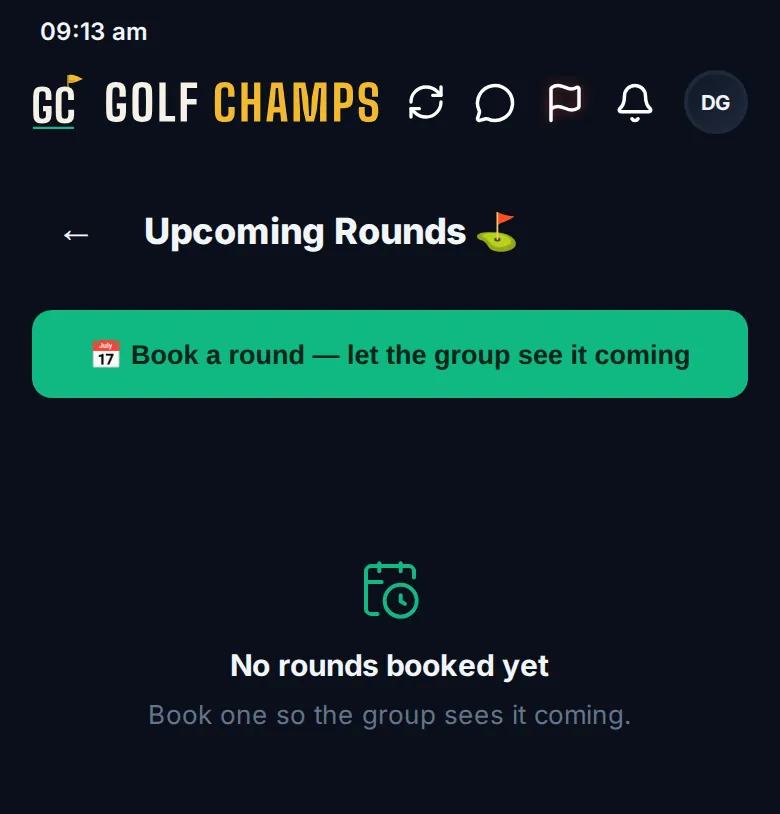
Tap 📅 Book a round → on Home, or open More, then Upcoming Rounds. Tap 📅 Book a round — let the group see it coming.
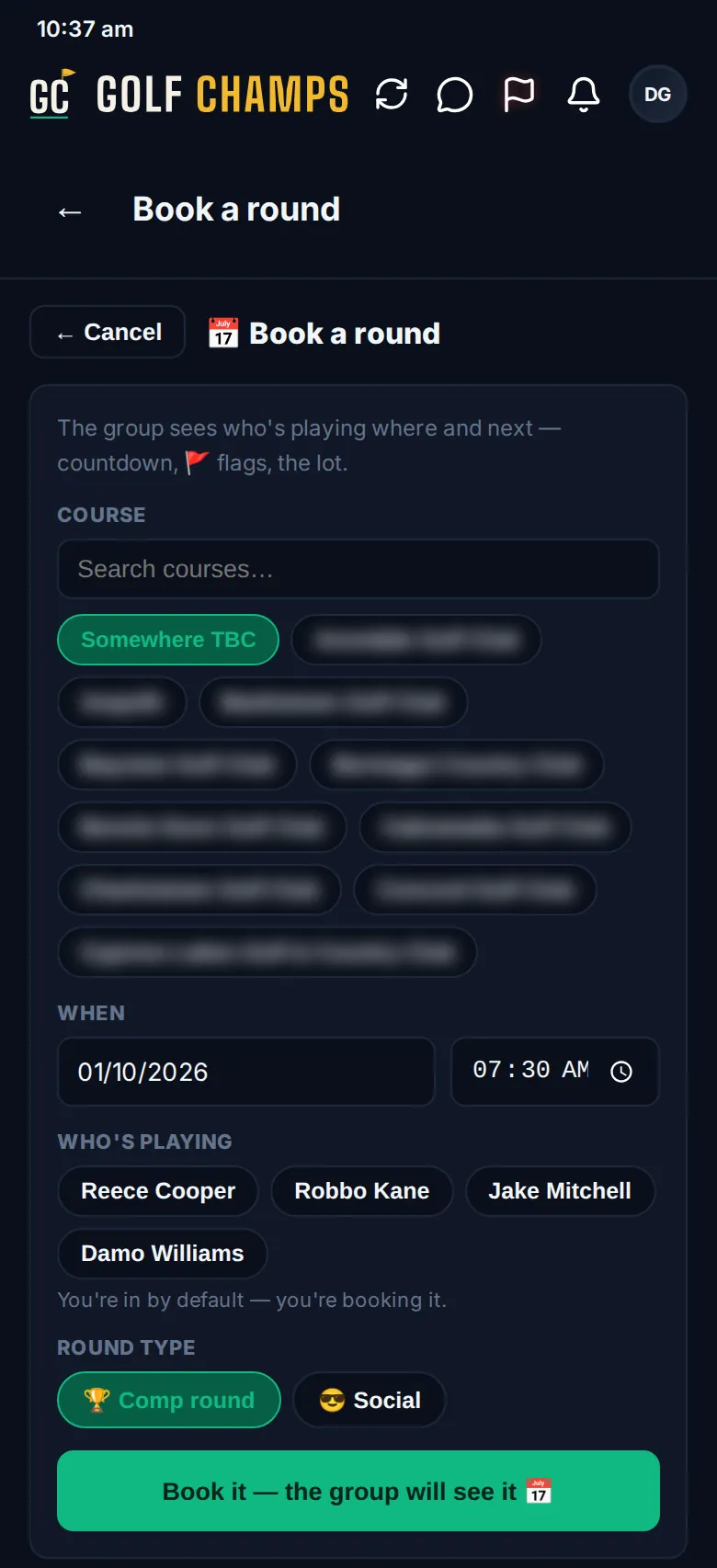
- COURSE: your home course and the group’s most recent courses come first; search for the rest. Not sure yet? Pick Somewhere TBC and add it later.
- WHEN: the date and tee time.
- WHO’S PLAYING: you’re in by default, because you’re booking it. Tap everyone else who’s playing.
- ROUND TYPE: 🏆 Comp round for a club competition, or 😎 Social.
- Tap Book it — the group will see it 📅.
A comp round is played off each player’s Daily Handicap from the club’s card, and the app asks for it when you start scoring from the booking. A social round uses everyone’s current handicap. Only a comp round can count as a Major.
What the group sees
- A card in the feed. Everyone you booked in gets an email saying they’re in, and the rest of the group gets a heads-up.
- The booking on Upcoming Rounds with a countdown, the tee time, comp or social, and how many are playing. Tap the player count to see each name and handicap. A flag marks anyone whose Double Flag lands on this round.
- The soonest booking on Home as Next up. Once someone in it is scoring live, it says so.
- Once the first card lands, CARDS COMING IN, and each player shows ✓ card in or waiting.
- On the day, the booking sits at the top of the Score tab for everyone booked in. One tap fills in the course and the players.
Change it or call it off
The person who booked it, or your organiser, can tap ⋯ on the booking for ✏️ Edit round or 🚫 Call it off. Once the first card is in, it can’t be changed or called off. If it’s called off, the players who were booked in are told.
Good to know
Can anyone book a round?
Yes, any member. Only the person who booked it or your organiser can change it or call it off.
We don't know the course yet. Can we still book?
Yes. Pick Somewhere TBC and edit the booking once you know. The one-tap start on the Score tab needs a course, so add it before the day.
There are eight of us. Does that work?
Yes. Book everyone. On the day each scorer taps the booking and checks the players on their own card, up to four.
What if someone never puts a card in?
Everyone has until the end of the day after the round. Then the booking closes itself.
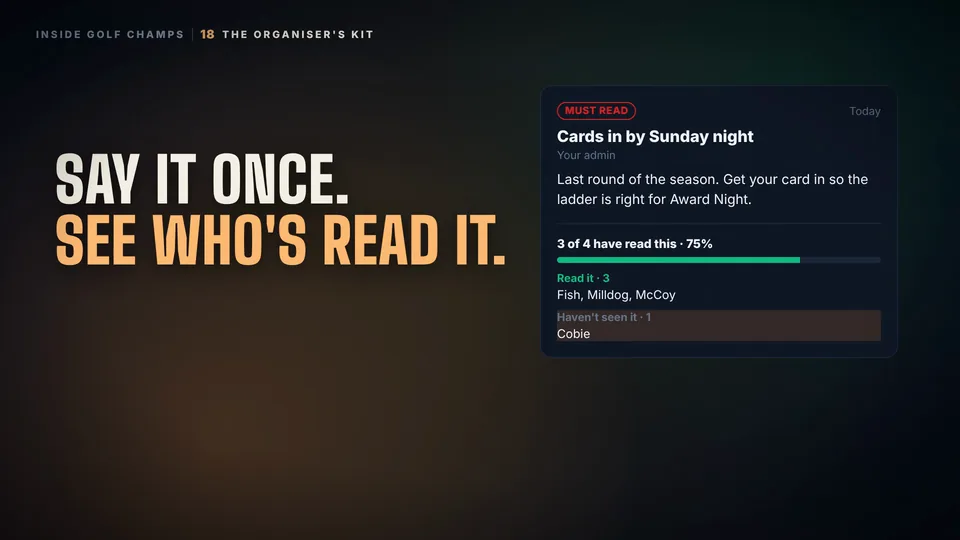 Watch the 25-second filmThe Organiser’s KitBook the round, find a date, see who’s read the notice, and set your group’s rules. The organiser’s whole job, in one place.