Polls
Polls are how the group finds a date everyone can play: an admin lists the options and everyone ticks every one they can make.
Find the polls
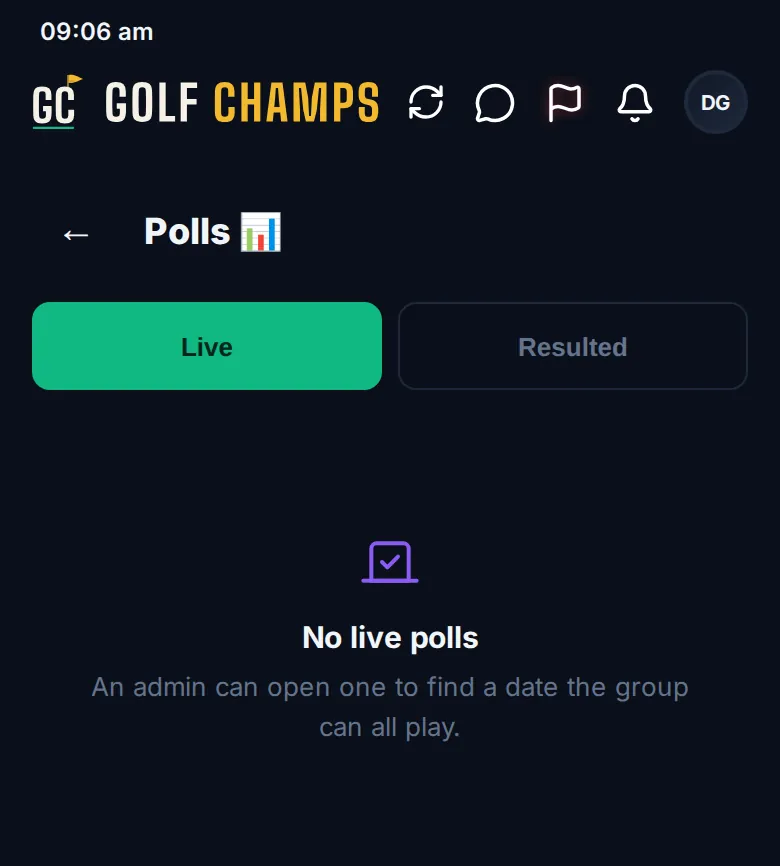
Open More → Polls. Live holds the open polls and Resulted the closed ones. With nothing open you’ll see No live polls. Polls are a season feature, so a Champ Day doesn’t have them.
Open a poll (admins)
- Tap ➕ New poll.
- Type the QUESTION.
- Choose 📅 Dates or ✍️ Custom, then add each date or option with Add. Tap one to take it off.
- Tap Open poll. You need at least two options.
The poll goes into the activity feed, and the rest of the group is emailed to vote, unless they’ve switched those emails off.
Vote
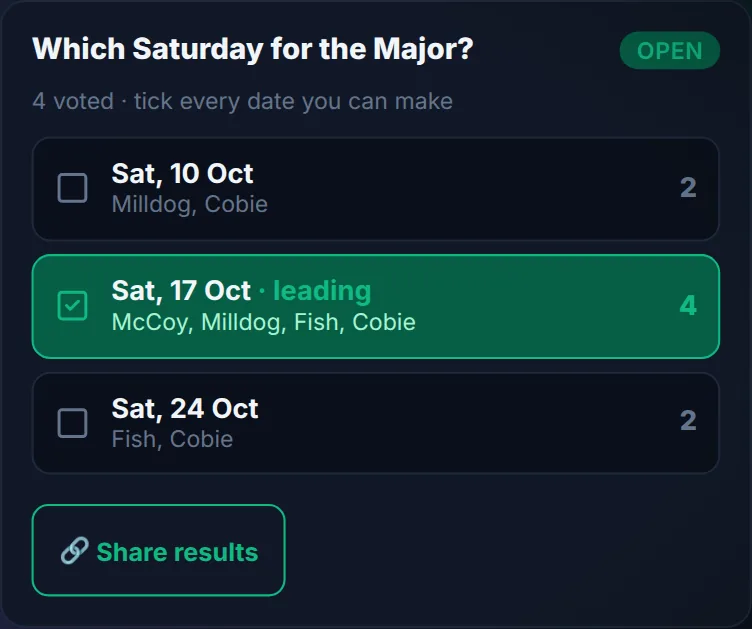
Each poll shows how many have voted and asks you to tick every date you can make (or every option you’re up for). Tap each one that suits; tap again to untick. Votes carry names, so everyone sees who can make what, and the option with the most votes is marked · leading.
Anyone can tap 🔗 Share results to send the tally, names and all, wherever your group chats, with a link back to the poll.
The nudge on Home
A new poll you haven’t voted on shows as a card on Home with The group needs your vote and Vote →. After 14 days the card steps aside, but the Polls · vote button below it stays until you vote.
Closing a poll
There’s no deadline. A poll stays live until an admin taps Close poll and confirms “Close this poll? No more votes.” It then moves to Resulted with its final tally. Once you’ve got your date, book the round. While it’s live, an admin can tap ✏️ Edit poll. Changing or removing an option people picked clears those votes, and the app warns before it saves.
Good to know
Can I change my vote?
Yes. While the poll is live, tap an option to tick or untick it.
Can I tick more than one date?
Yes. Tick every date you can make.
Who can open or close a poll?
Group admins. Everyone in the group can vote and share.
Can someone outside the group vote from a shared link?
No. The message shows the tally, but the link only opens the poll for members of your group.
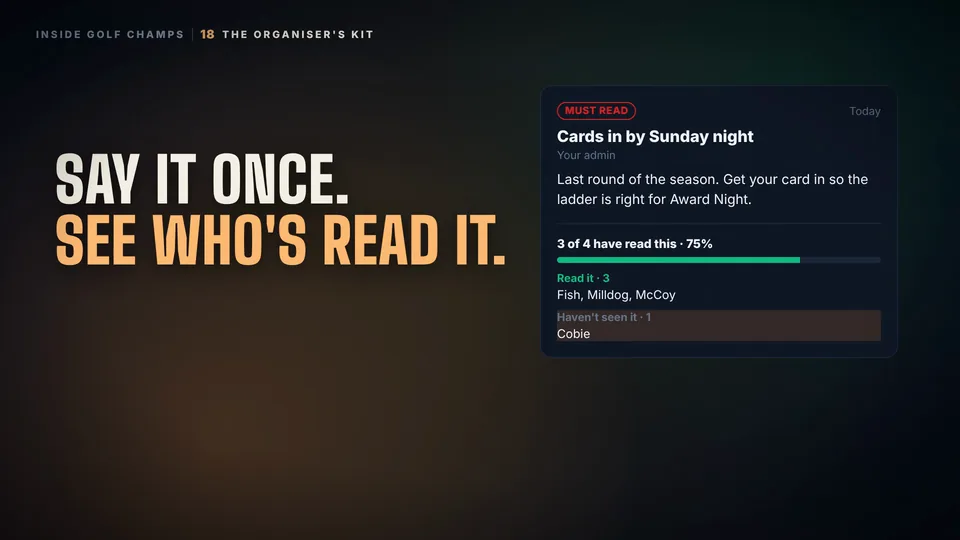 Watch the 25-second filmThe Organiser’s KitBook the round, find a date, see who’s read the notice, and set your group’s rules. The organiser’s whole job, in one place.