Close the Day
When the last card is in, close the day: it locks the results and archives the day, ready for the next one.
Before you close
Only group admins can close a Champ Day, and it’s final: once it’s closed, nobody can add or change a round. Wait until every card is in.
Close it
- Open More and tap Close the Day, near the top of the list.
- The screen opens with your day’s name and “here’s where everyone finished”.
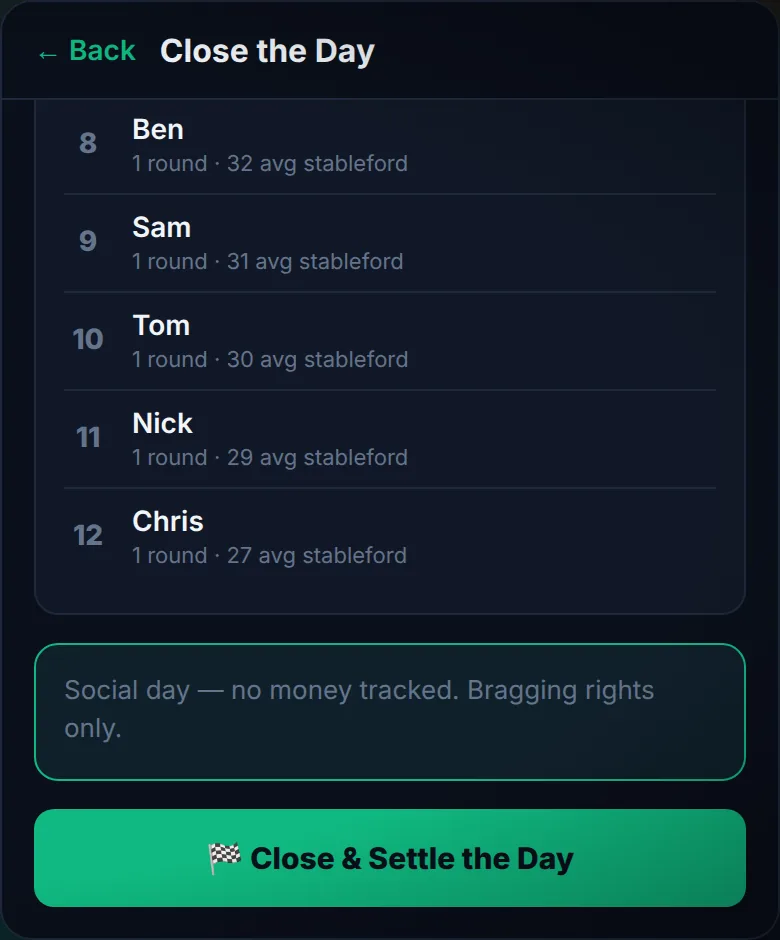
- Check FINAL STANDINGS: everyone in finishing order, with rounds played and average stableford. First place is highlighted, and anyone without a card shows as Did not play.
- On a social day, the default for a new Champ Day, the next card reads Social day — no money tracked. Bragging rights only.
- Tap 🏁 Close & Settle the Day. The app asks “This finishes the day and archives it. Sure?” Tap Yes, close it, or Cancel to back out.
After it’s closed
- A 🔒 This Champ Day is settled — read-only banner runs across the app.
- The Score tab leaves the bottom bar.
- The round tools in Round History go too: nobody can edit, re-score or delete a round from the day.
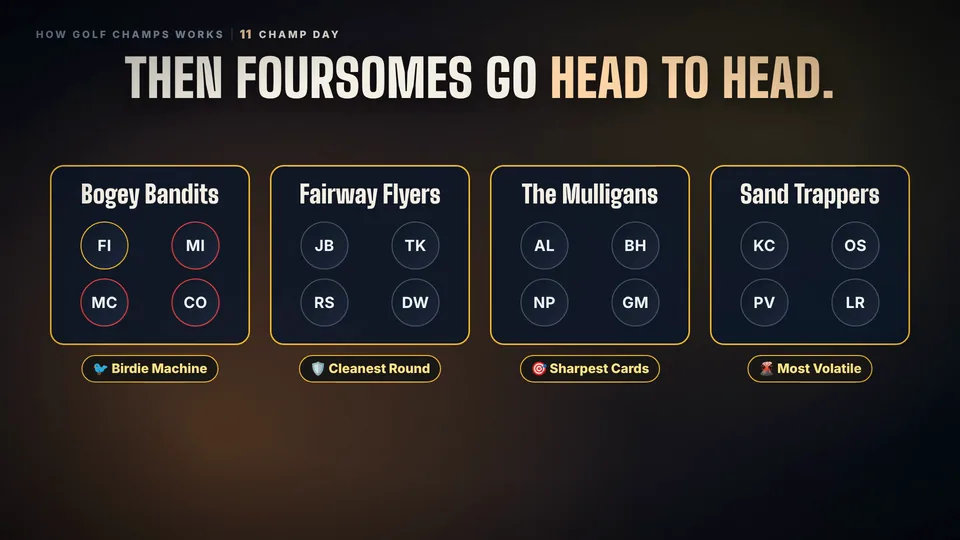
- Everyone can still browse the day for 30 days, or until you start the next one: the Board, and the Foursomes screen with Foursome of the Day and the category awards.
Start the next one
In More, Close the Day is replaced by Start a New Champ Day. Tap it, choose a course if you want it to name the day, and tap 🏌️ Start the Day. The last day stays read-only. See Playing a Champ Day for how the day itself runs.
Good to know
Can I reopen a closed day?
No. Closing archives the day and it stays read-only. Start a new Champ Day for the next one.
What if a card is missing?
That player shows as Did not play. Get the card in before you close: afterwards the Score tab is gone and rounds can’t be added or changed.
Can members close the day?
No. Only group admins see Close the Day in More.
Where do the awards live afterwards?
On the Foursomes screen, under More. Foursome of the Day and the category awards stay there, read-only.
 Watch the 25-second filmChamp DayOne day. One winner. Everything starts and finishes today.