Trip Pot
The Pot tab is your group’s trip pot: what’s in it, how close you are to the goal, how long until the trip, and who still owes what.
Open the Pot
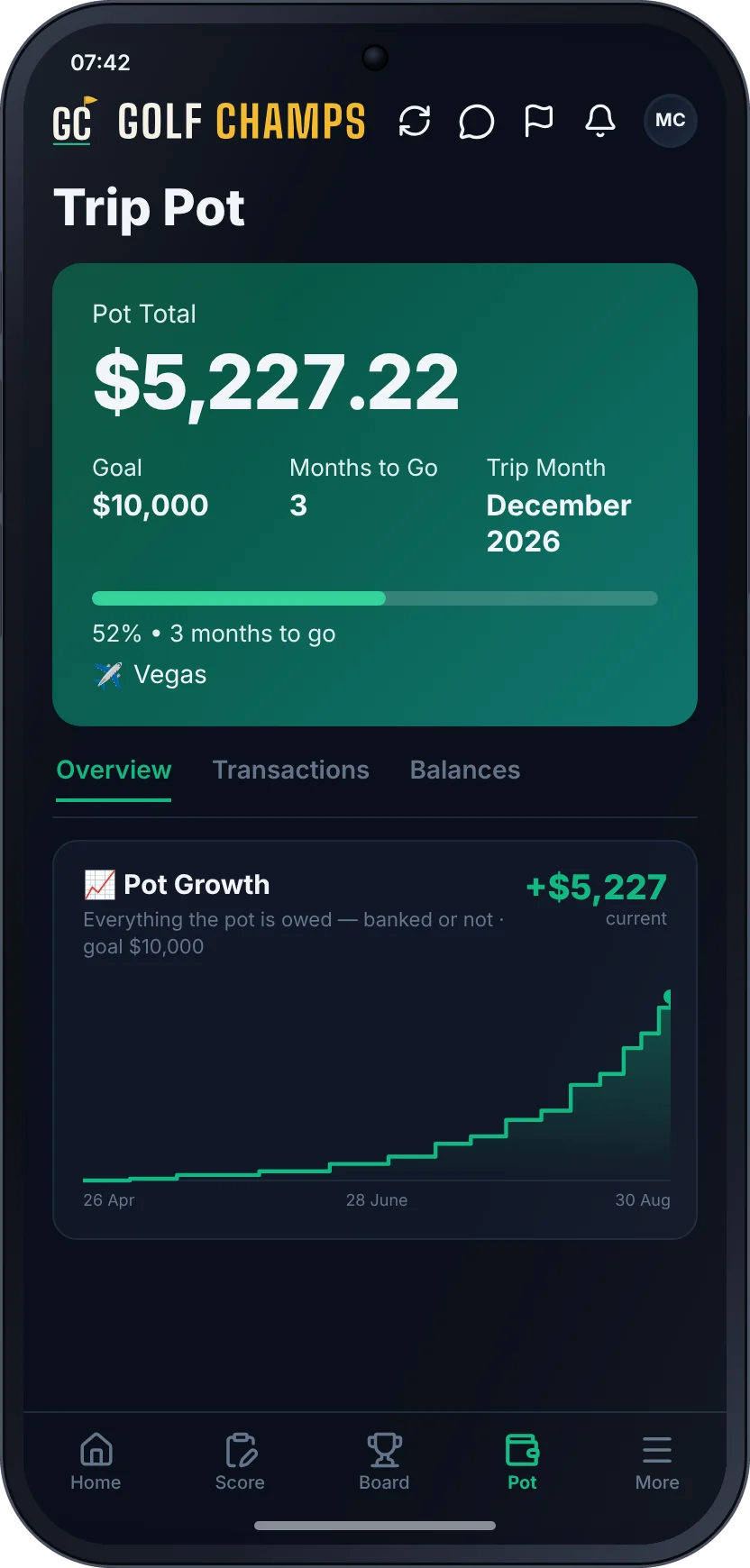
Tap Pot in the bottom bar. The card at the top is the pot, and the big figure is what’s in it. Under it:
- Goal: the target your organiser set for the trip.
- Months to Go: whole months left. In the last month it reads Final month, then counts down in weeks to Final week, and tells you it’s trip time when the day comes.
- The date it’s counting to: Season Ends until a trip is set, Trip Month once your organiser adds the month, and Trip Dates once the trip is booked.
A bar and a percentage show how close you are to the goal, with the destination underneath if there is one.
Overview
- 📈 Pot Growth charts the pot across the season on a real calendar, from zero at the start. It counts everything the pot is owed, banked or not.
- The tiles break it down, including Total In, Monthly Fee (your group’s regular fee) and Triggers.
- 💸 Money owed to the pot shows while anything owed to the pot is unpaid: what the pot expects, what it has received and what’s outstanding. Show details lists each item.
- Recent Transactions shows the latest five. View All Transactions → opens the rest.
Transactions and Balances
Transactions is every entry, newest first, with filters along the top. Rows are marked PAID ✓, PENDING or WAIVED. Tap a pending row for the amount and the reference to use, with a Copy button.
Balances counts who has paid this period (or shows ✓ All Paid) and lists anyone left under STILL TO PAY, with their amount and reference. Paid Into Pot shows what each player has paid in this season from their fees and triggers.
What goes in
- Everyone’s regular payment. See Paying into the pot.
- Every trigger. A trigger means you owe the pot: see Beats & Triggers.
- Every lost call-out and every missed Back Yourself target feeds the pot.
- Top-ups: anyone can tap 💵 Top up the pot to put in extra, with no points and no obligation.
Losing to the pot is a deposit, not a transfer. Nobody is out of pocket to a mate. More in The Trip Pot.
Golf Champs never holds the money
The pot sits with your organiser, in their own account, and the app keeps the count. If your organiser turns on auto-sync, it reads a read-only Wise key (Australian accounts for now). See The Pot Ties Out.
Good to know
Who sets the goal and the trip date?
Your organiser, in Group Settings under ✈️ Trip Pot: the destination, Finals Trip / Playoffs (the month first, the exact dates once it’s booked), Pot Goal ($) and Monthly Fee ($).
Why does it say Season Ends?
No trip has been set yet, so the countdown runs to the end of the season and says so. It changes to Trip Month or Trip Dates as soon as your organiser adds them.
What does No pot account mean?
Your organiser hasn’t linked an account to the pot yet. The app still keeps count of everything owed and paid.
Can everyone see who hasn’t paid?
Yes. The Balances tab lists everyone still to pay this period, with their reference.
Is there a Pot on a Champ Day?
No. A Champ Day has no trip pot, so the Pot tab isn’t there.
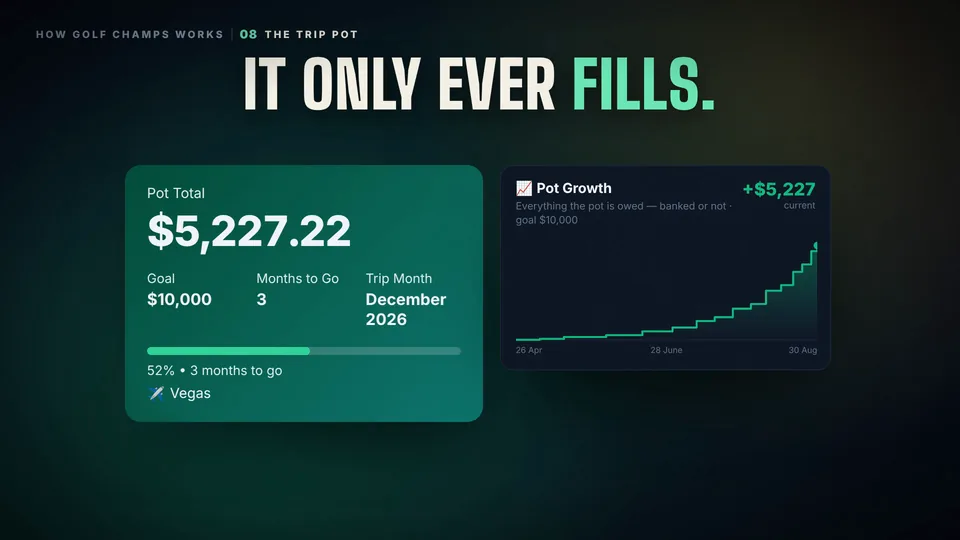 Watch the 25-second filmThe Trip PotEvery dollar ends up in one place: the group’s trip pot. It only ever fills. Then you go.